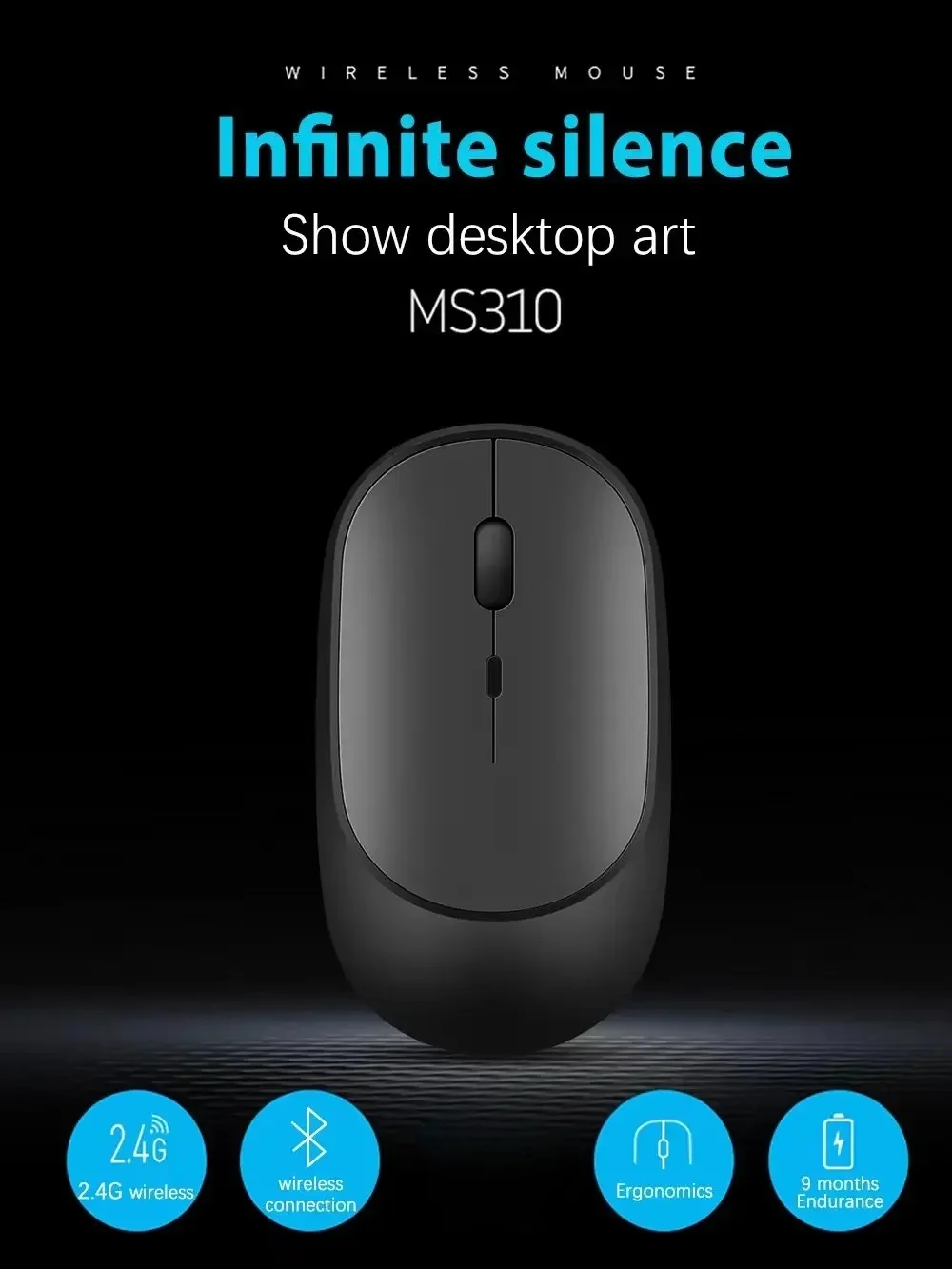
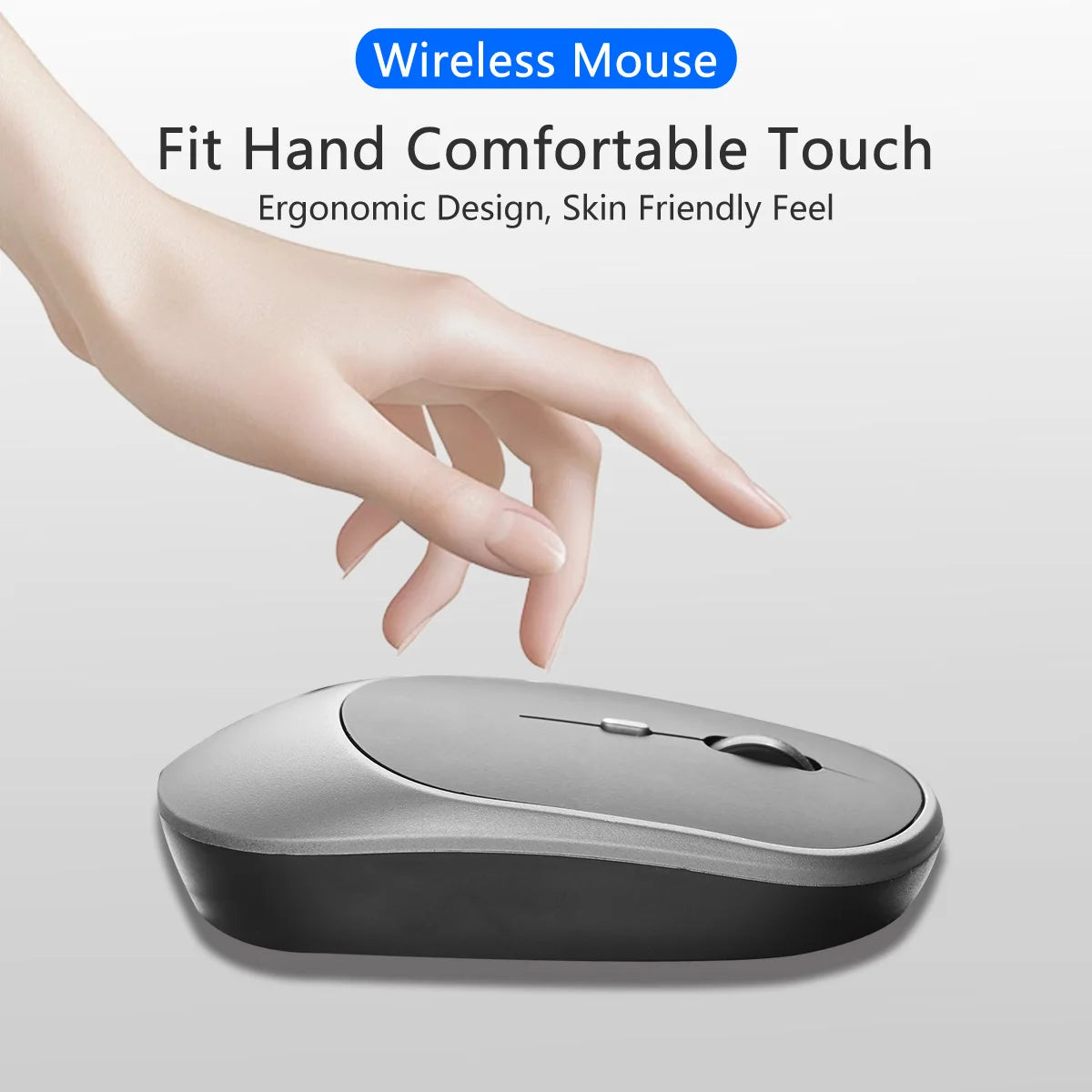
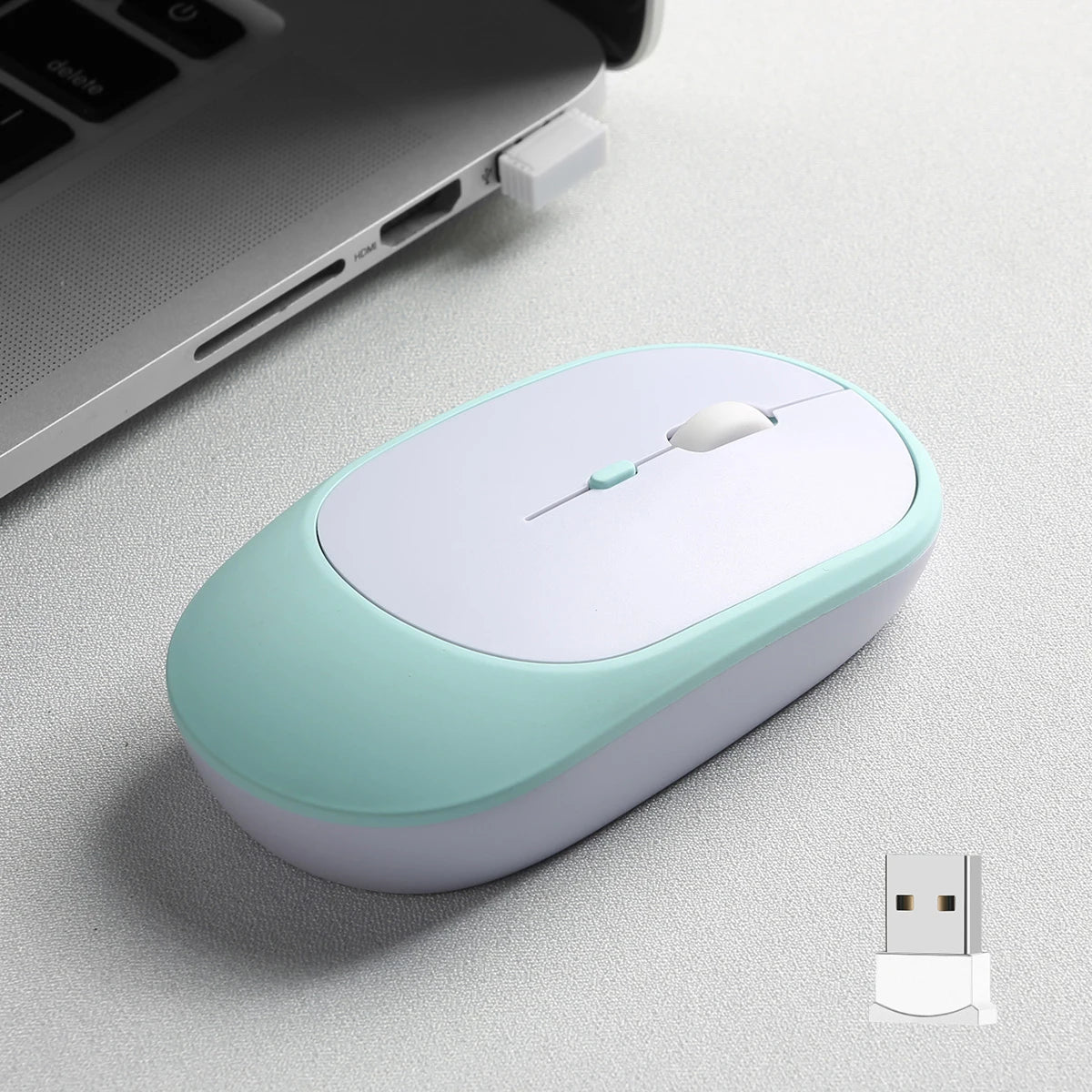
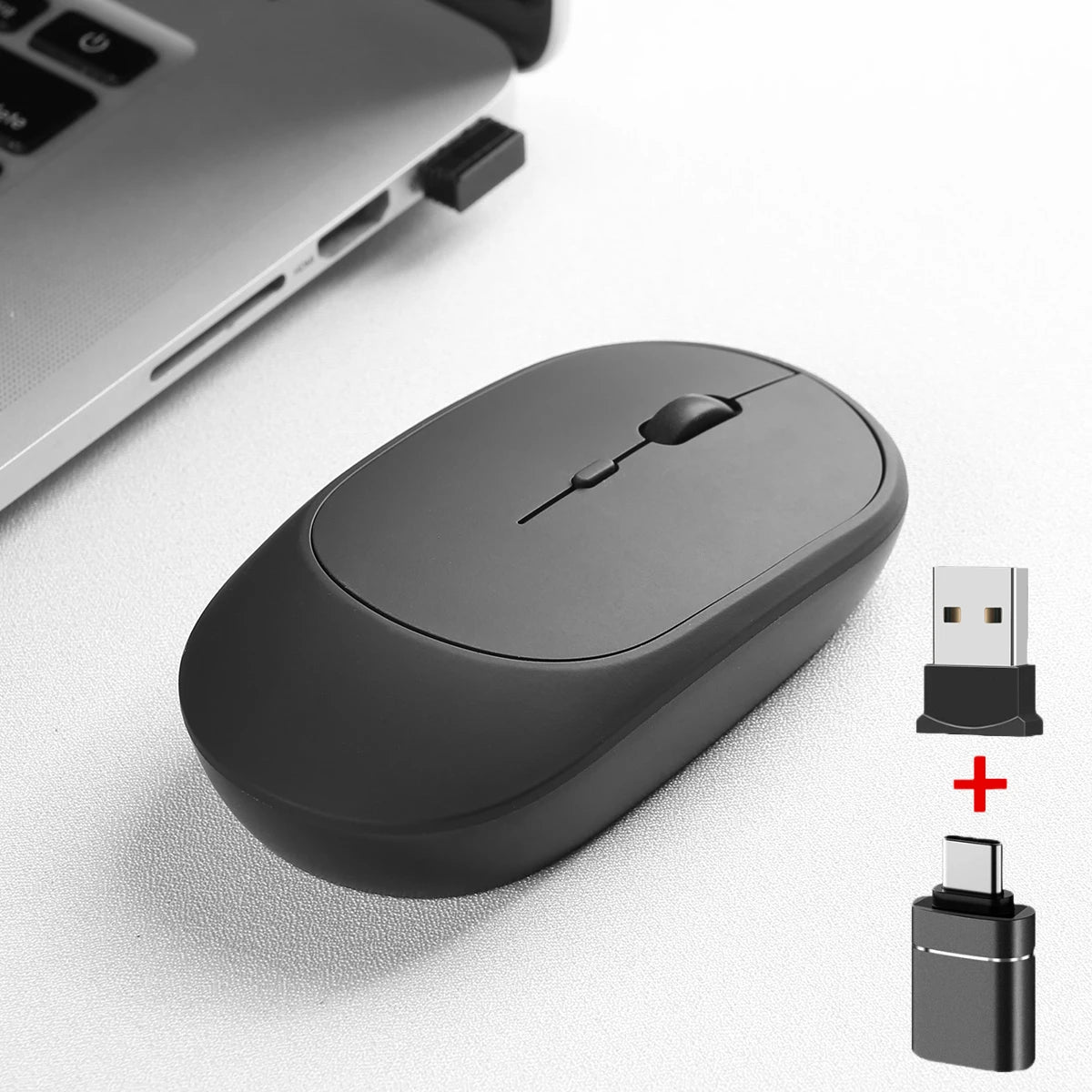
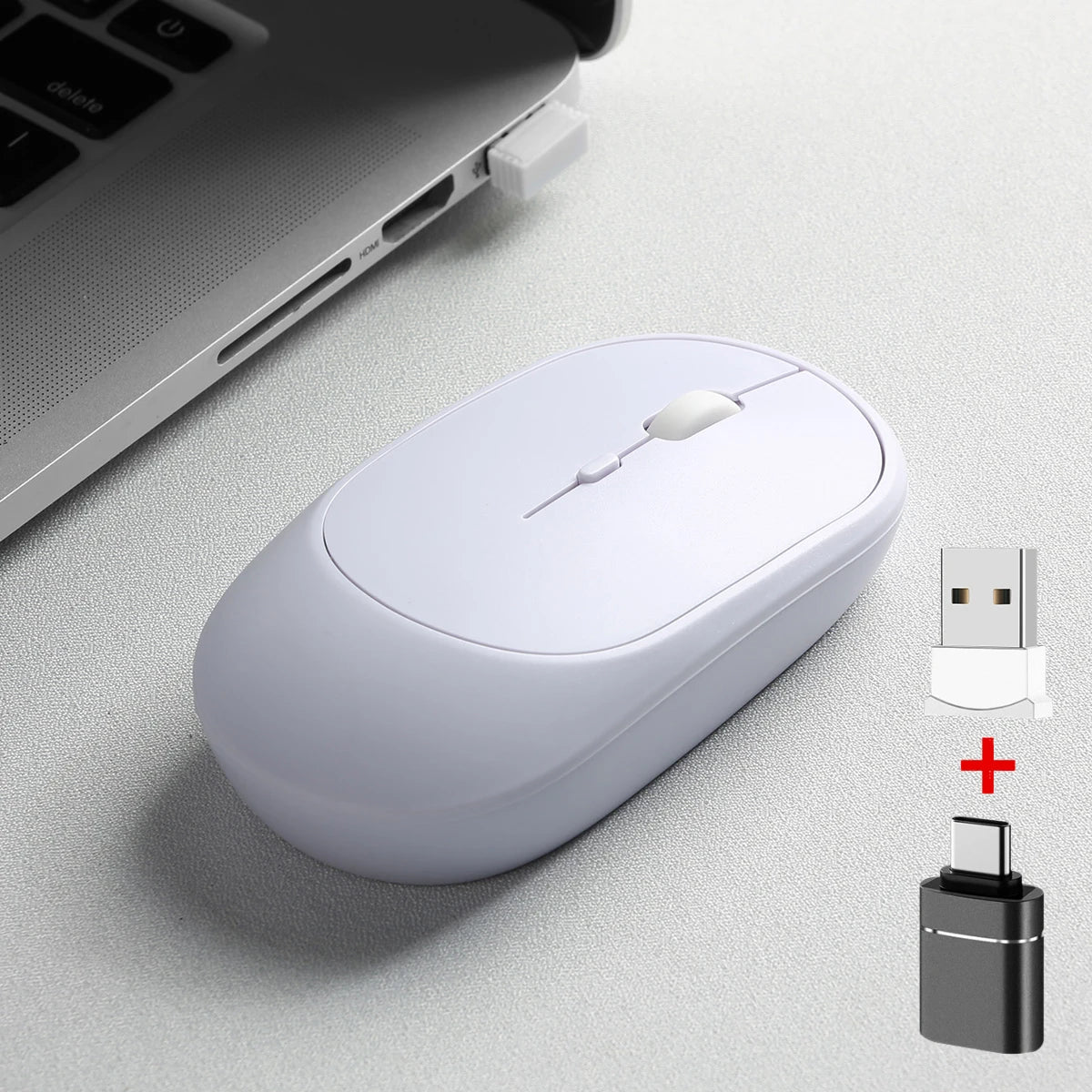
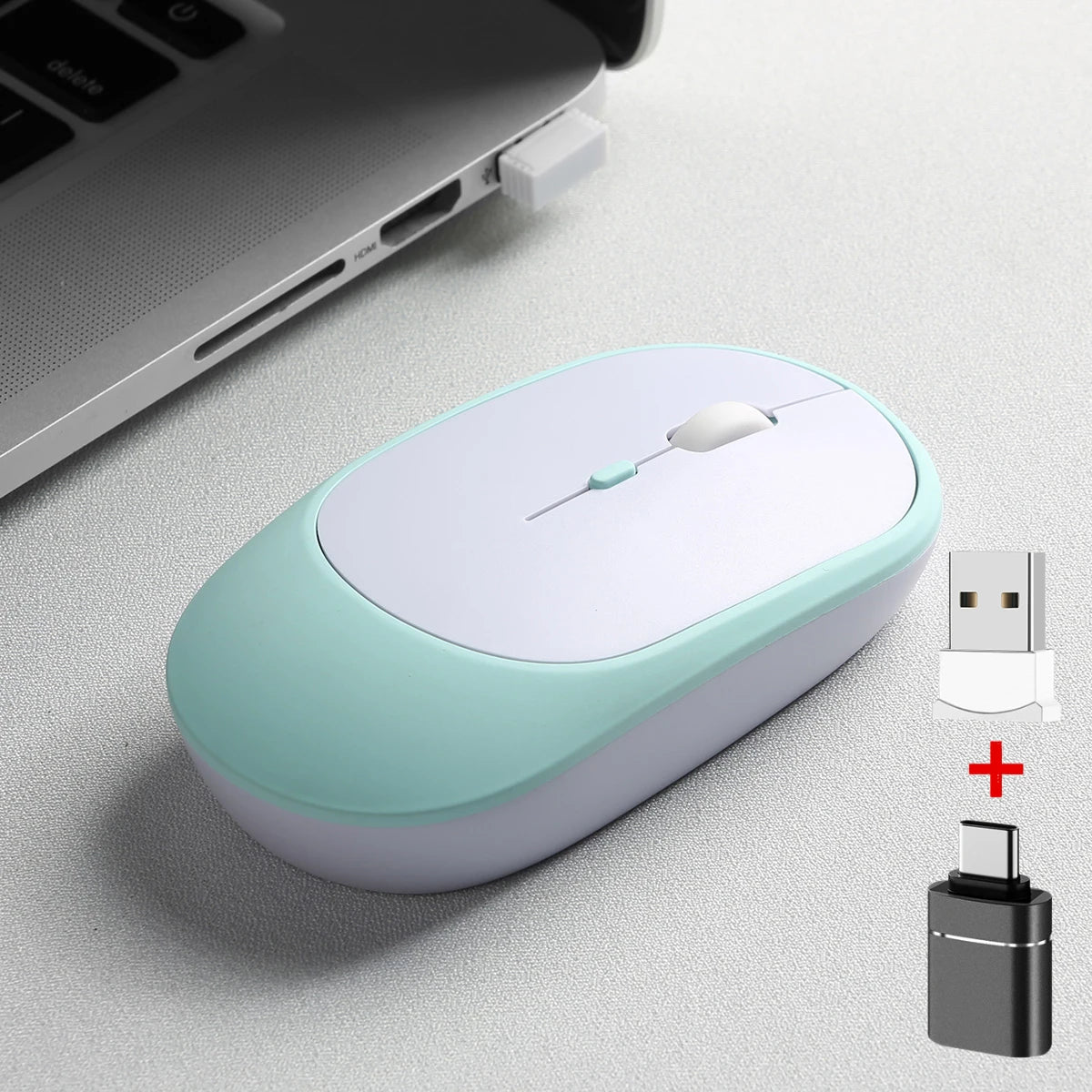
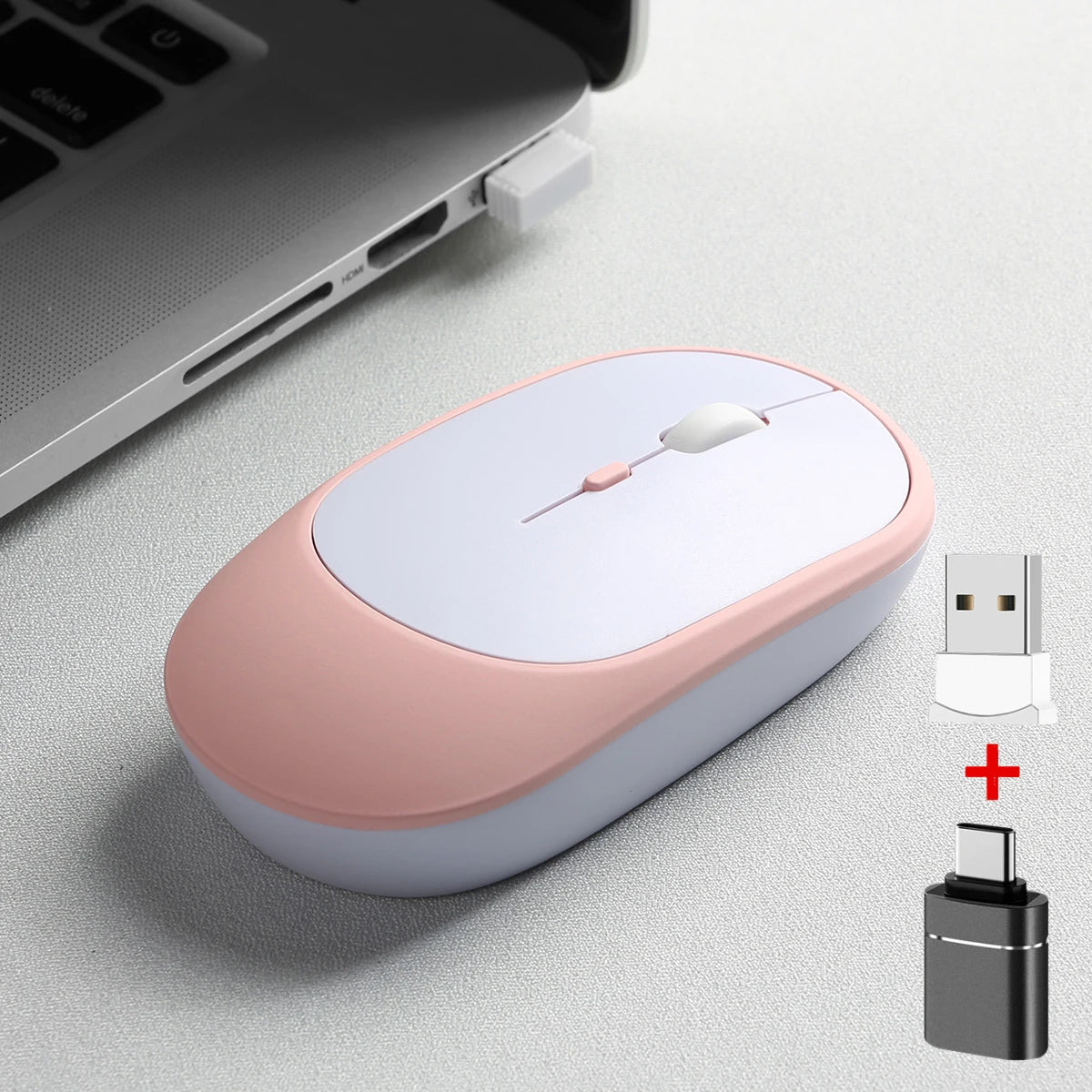
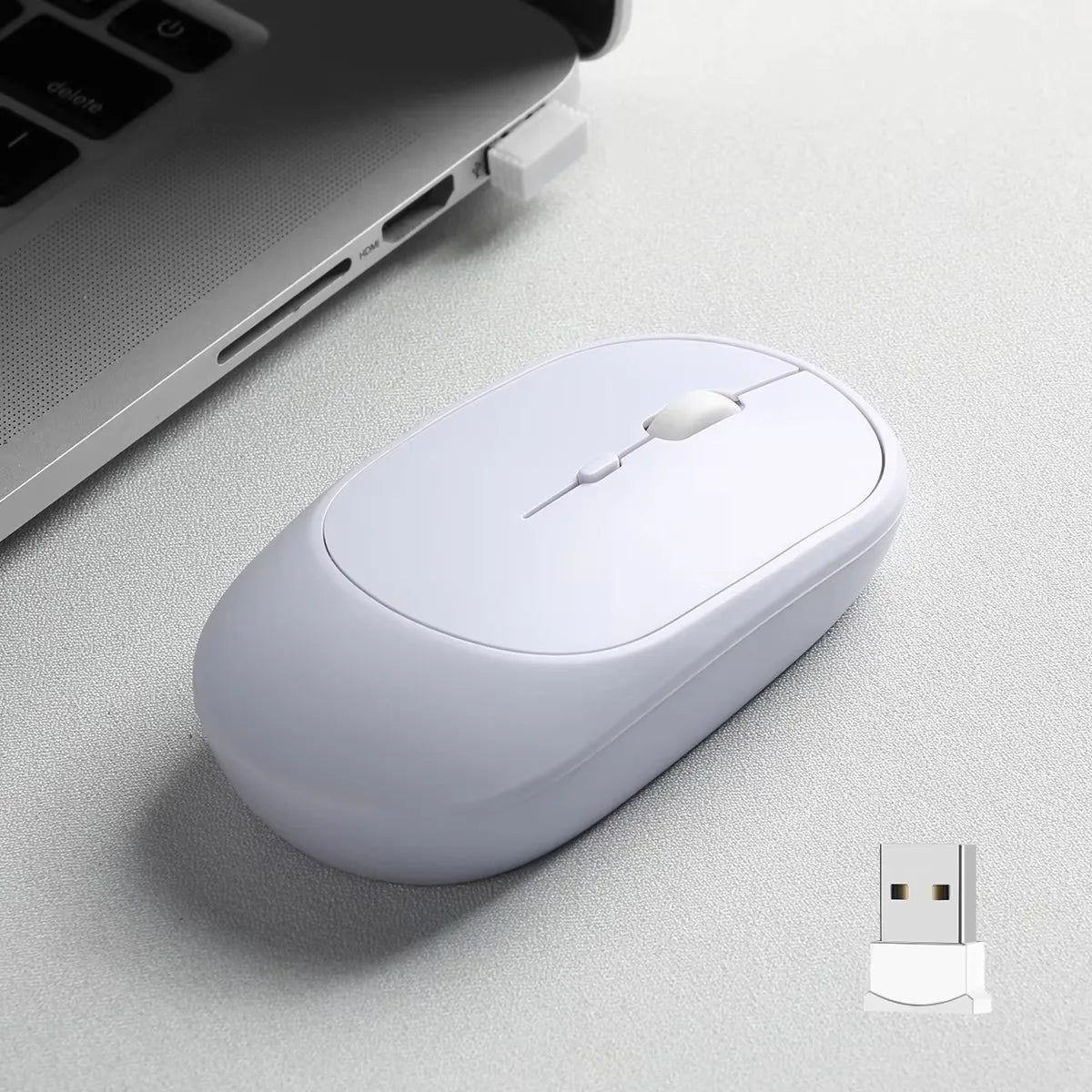
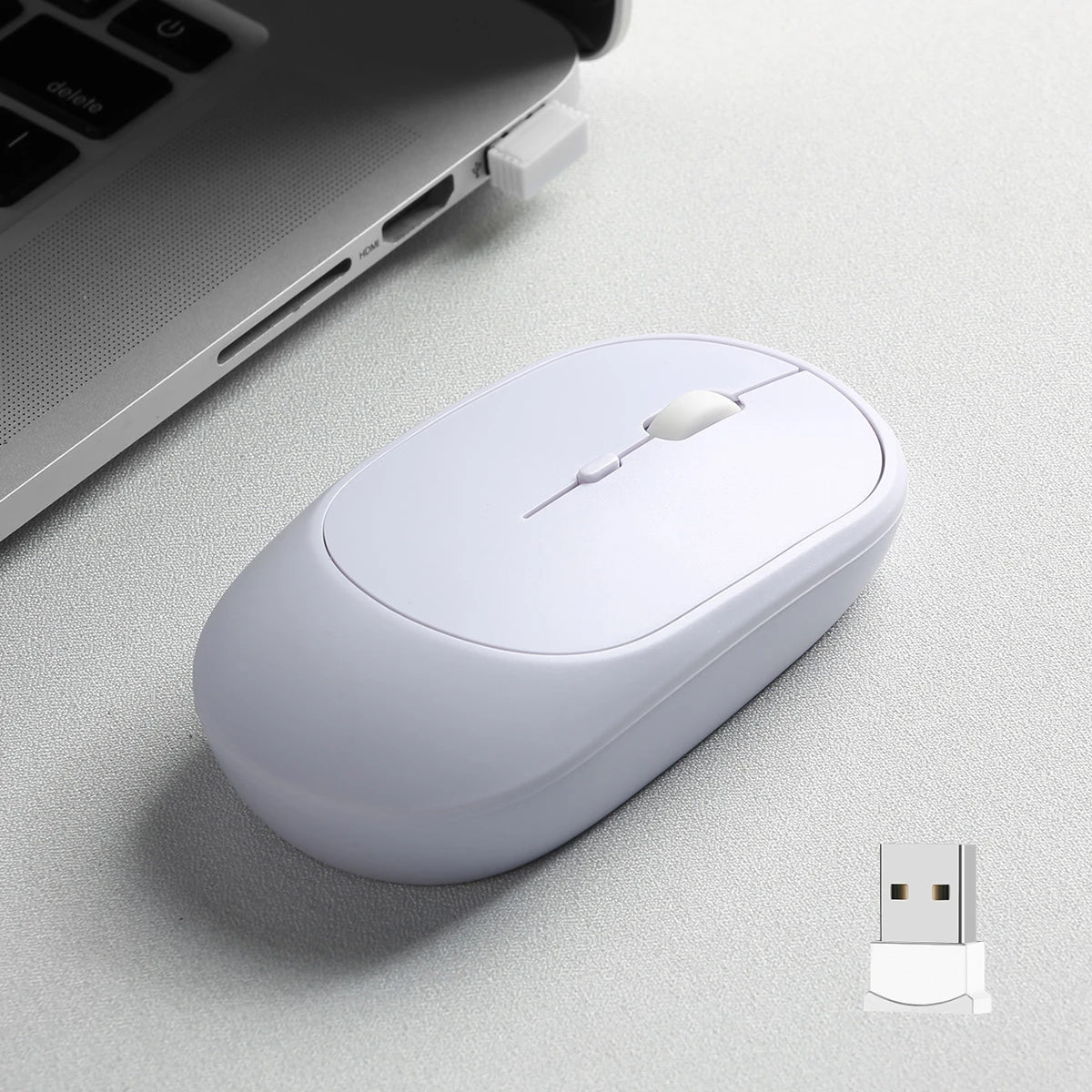
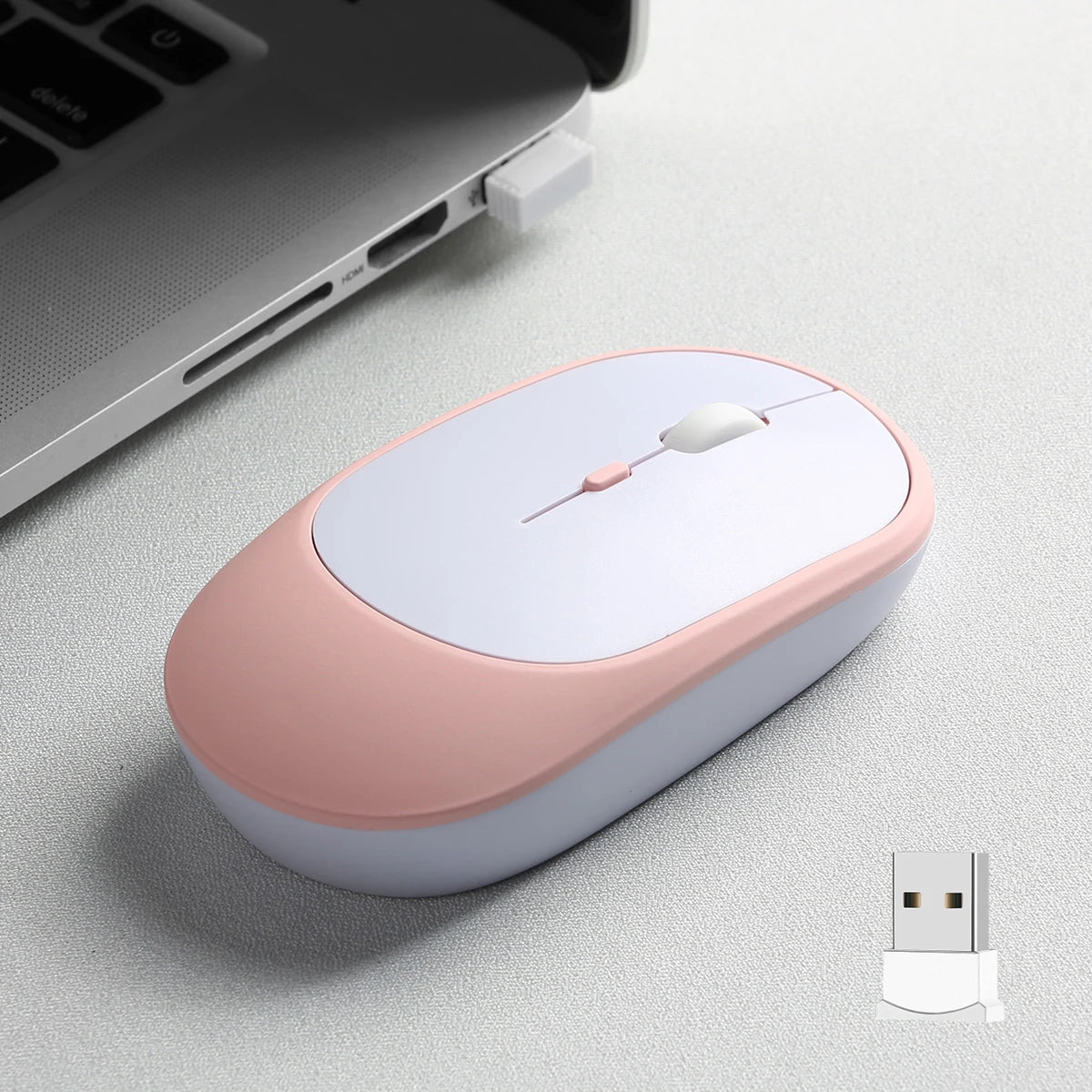
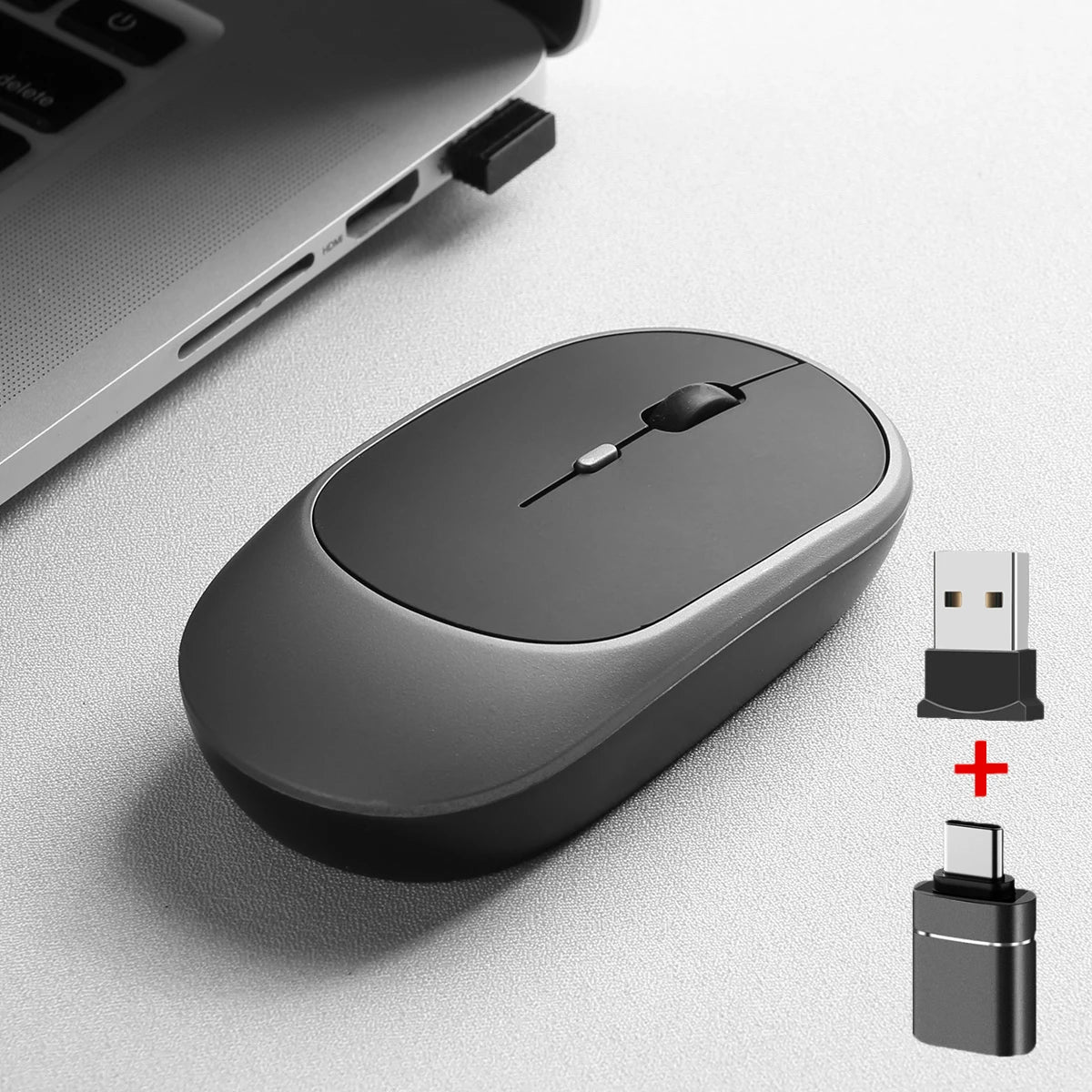
2.4Gh Wireless Gaming Mouse Dual Modes Bluetooth Ultra-Low Power Consumption,Compatible With PC Mac Computers Laptops
SPECIFICATIONS
Battery Included: Yes
Bluetooth-compatible mouse: rechargeable bluetooth-compatoble mouse
DPI: 1600
Gross Weight: 78
Hand Orientation: Both Hands
High-concerned chemical: None
Interface Type: USB
Number of Buttons: 4
Number of Rollers: 1 pcs
Operation Mode: Trackball
Package: Yes
Power Type: Rechargeable
Rechargeable Mouse: Dual Modes Bluetooth-compatible 2.4G USB Mute mouse
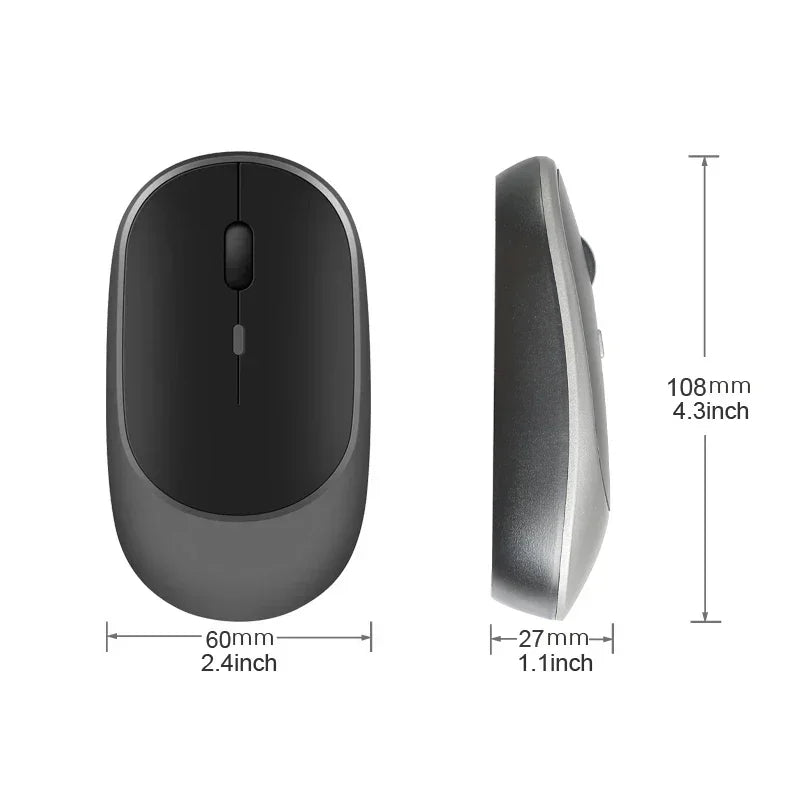
Style: Mini
Type: Bluetooth Wireless
laptop mouse,pc Mouse,mouse: ergonomic mouse
mini mouse,mouse usb,laptop accessories: mini mouse,mouse usb,laptop accessories
mouse gamer: Gaming Mouse Wireless
wireless mouse: For laptop, desktop,office use
Specification:
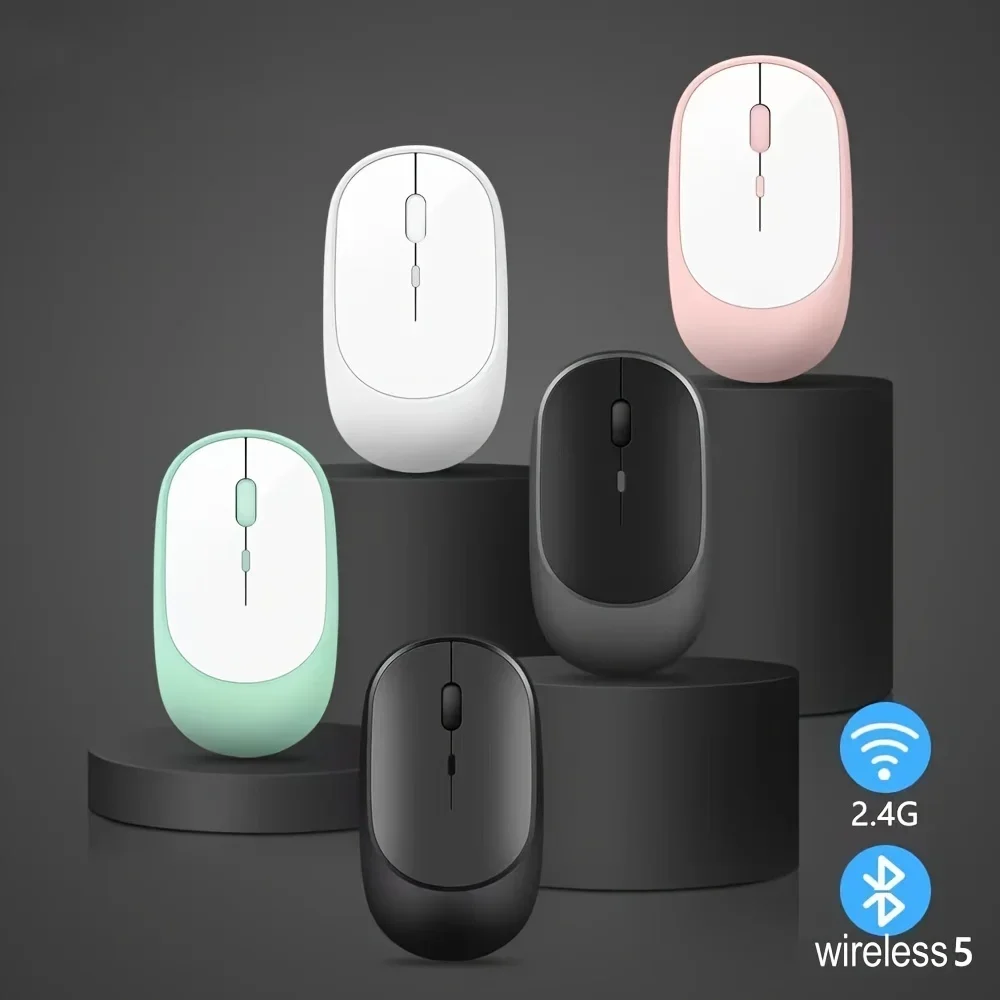
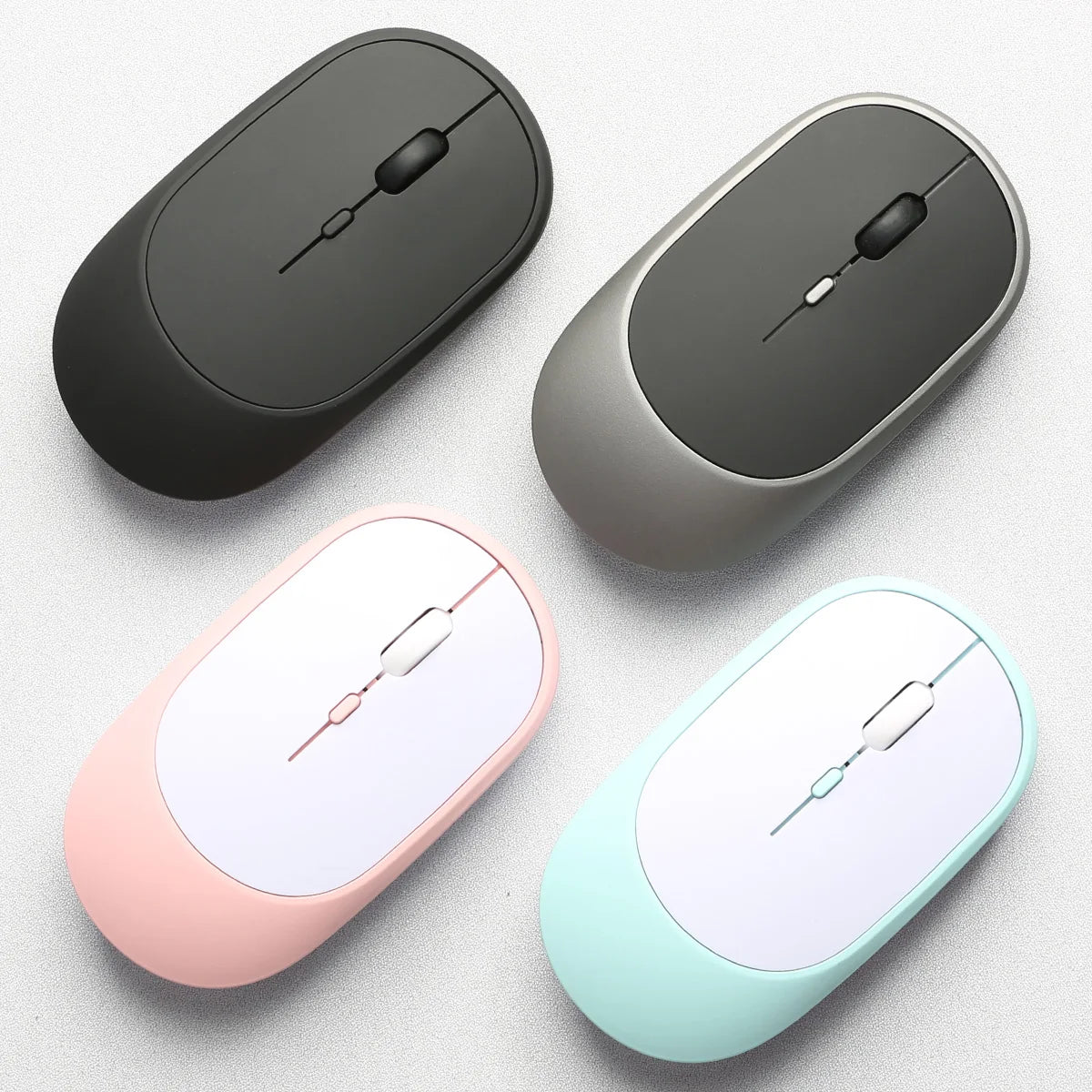
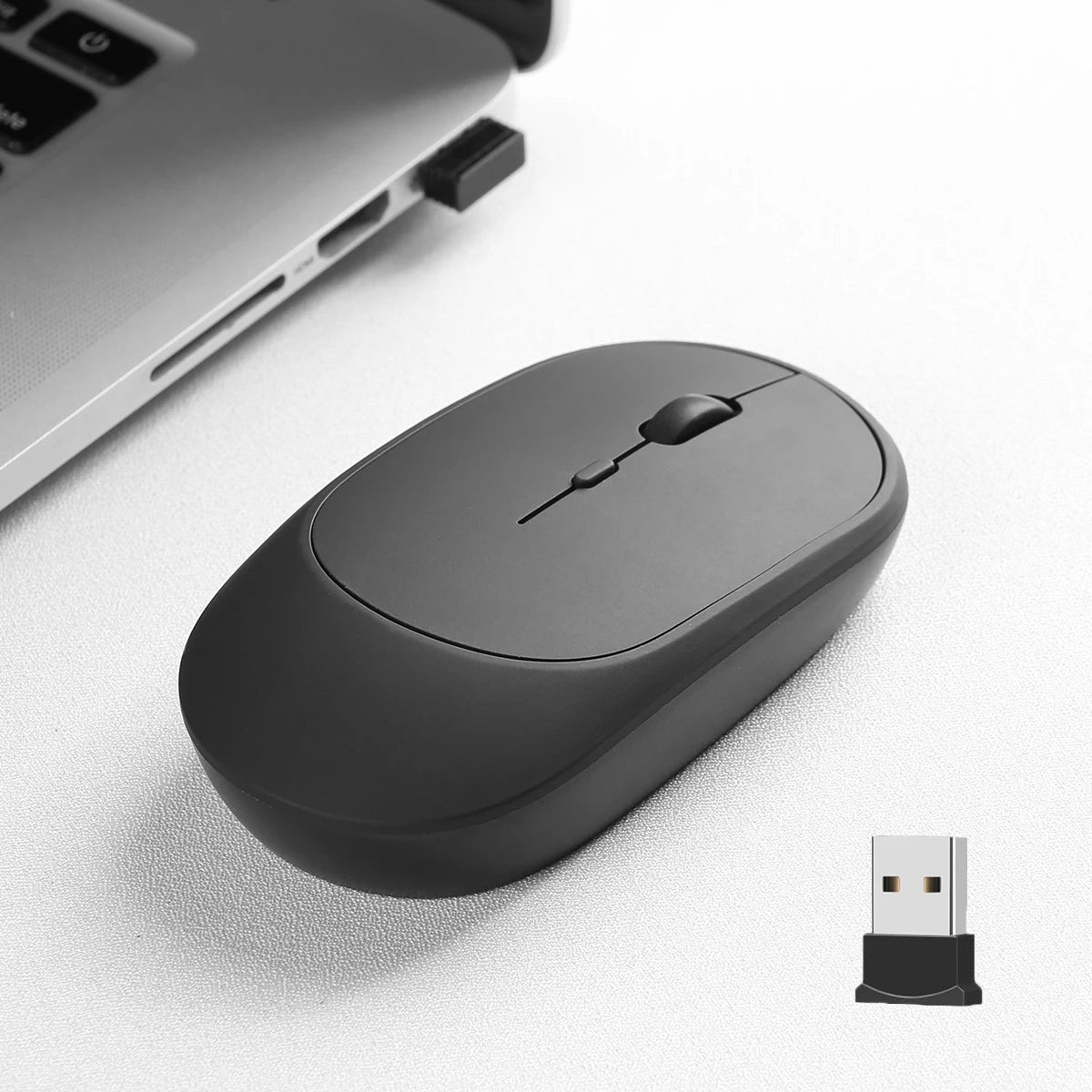
1:Color: Black,White,Pink,Green,Grey
2:Material: ABS
3:Work: Photoelectricity
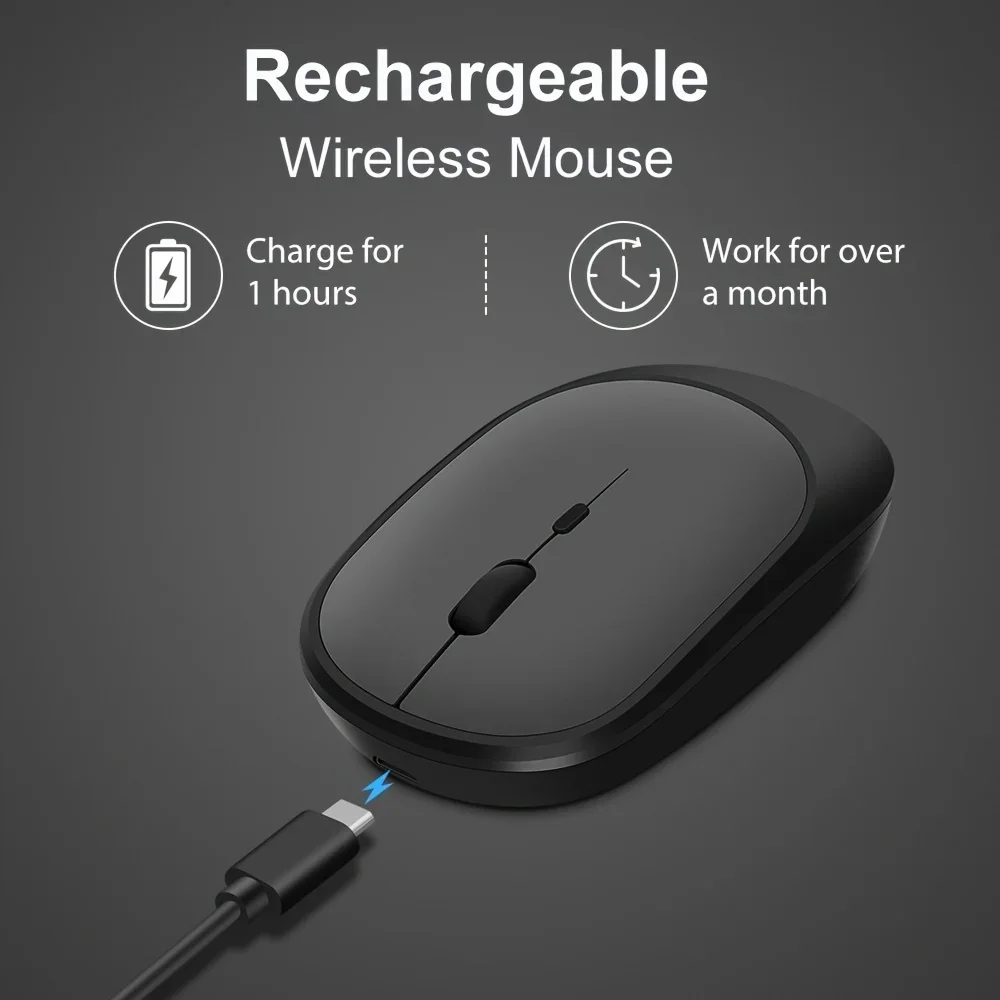
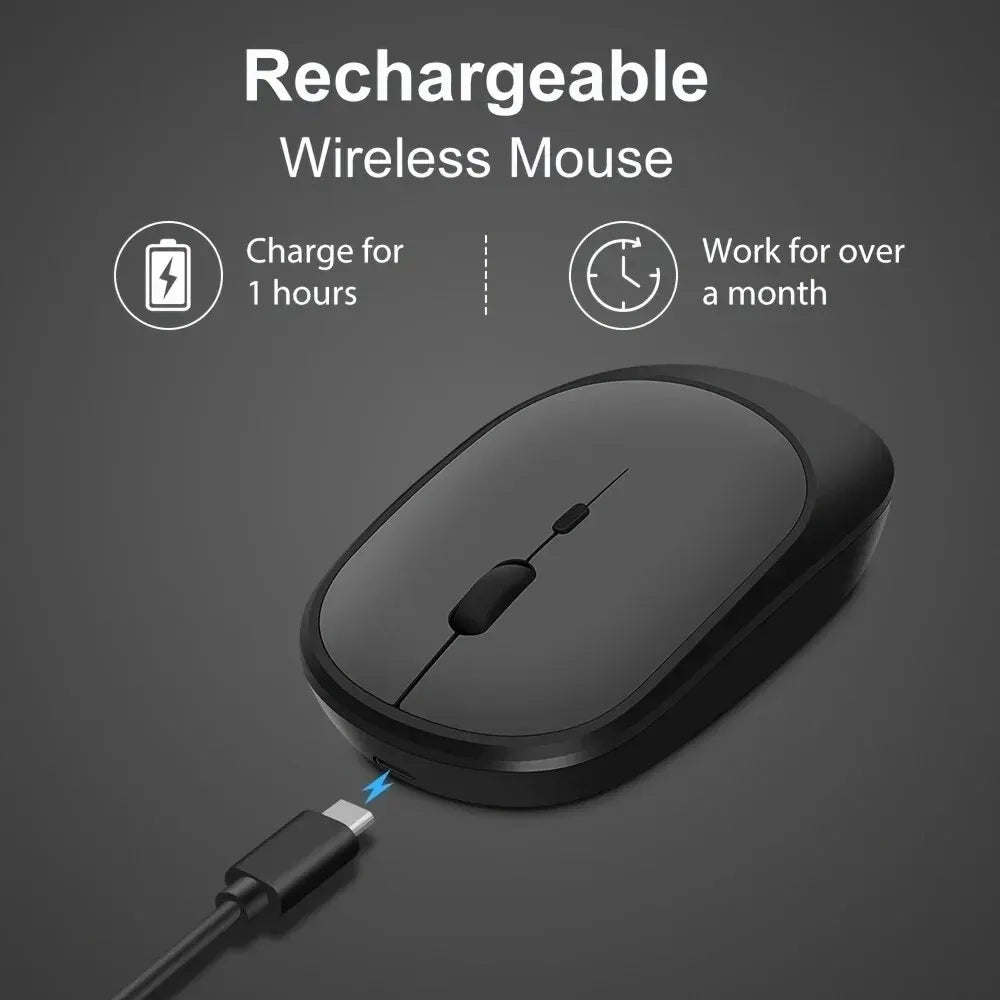
4:Battery capacity:500mAh(Chargeable lithium battery)
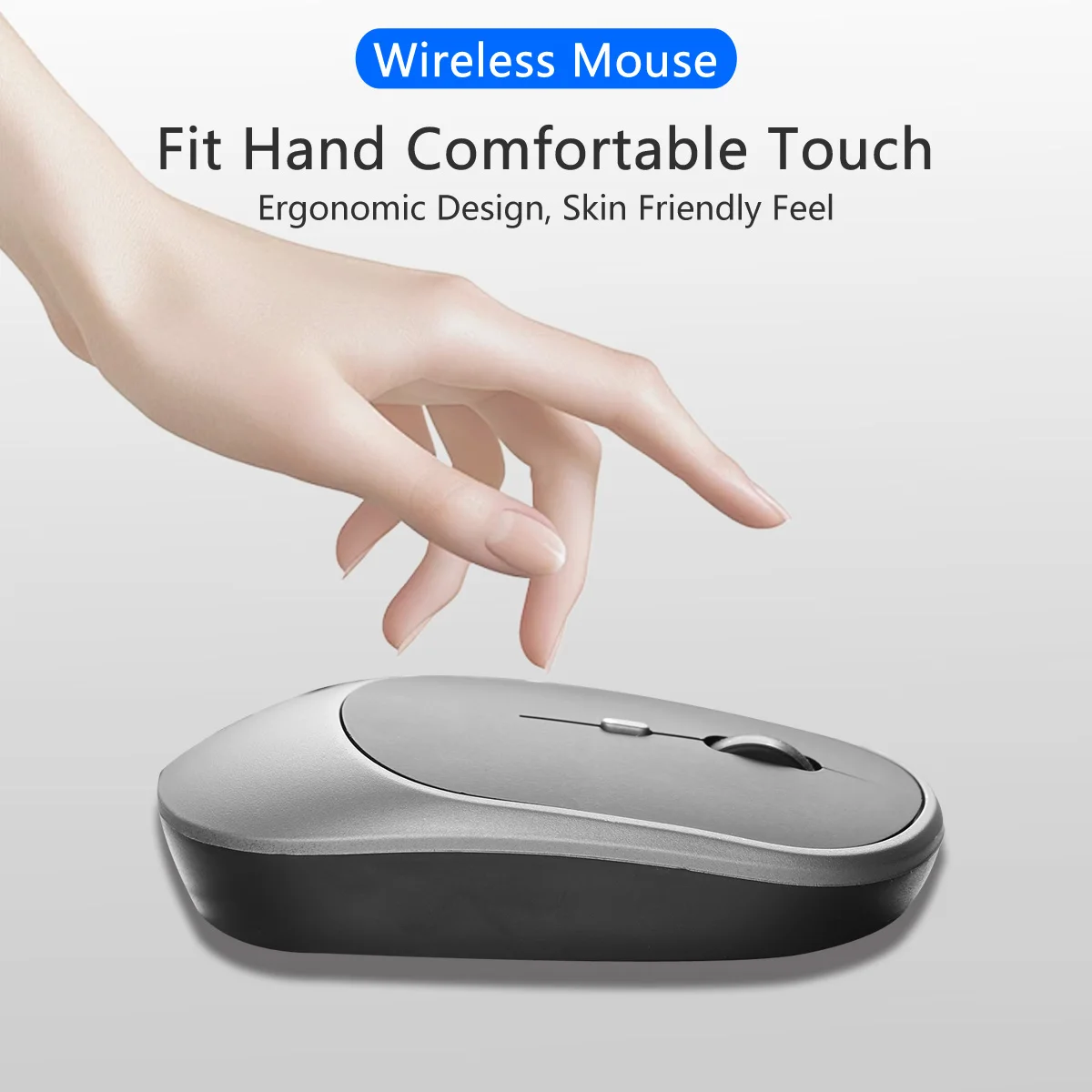
5:Project Type: Ergonomics Optical Mouse
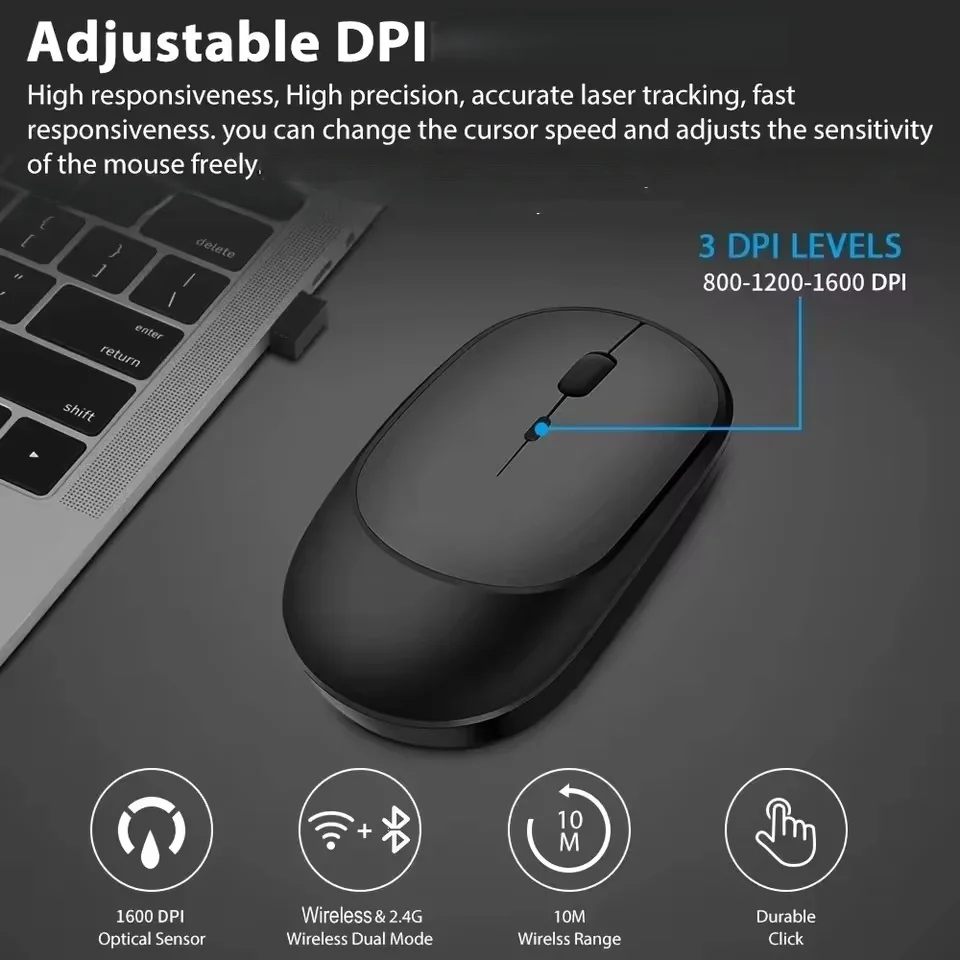
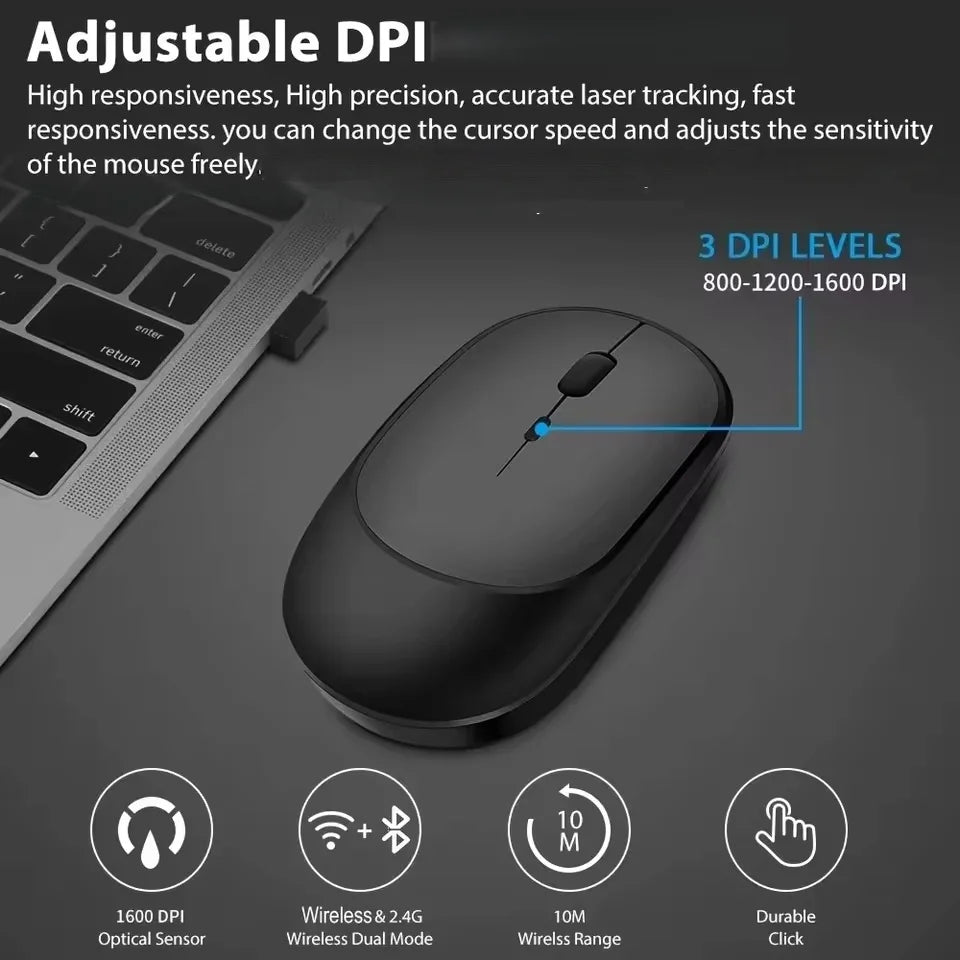
6: Resolution: 800,1200,1600. (1200dpi Default)
7: Operation Mode:Opto-electronic
8: Rated voltage / current: 3.7V / 18mA
9: Power Type:Rechargeable(Charging time 2h,Working time 150h)
10: Type:2.4Ghz Wireless Blueteeth mouse
Feature:
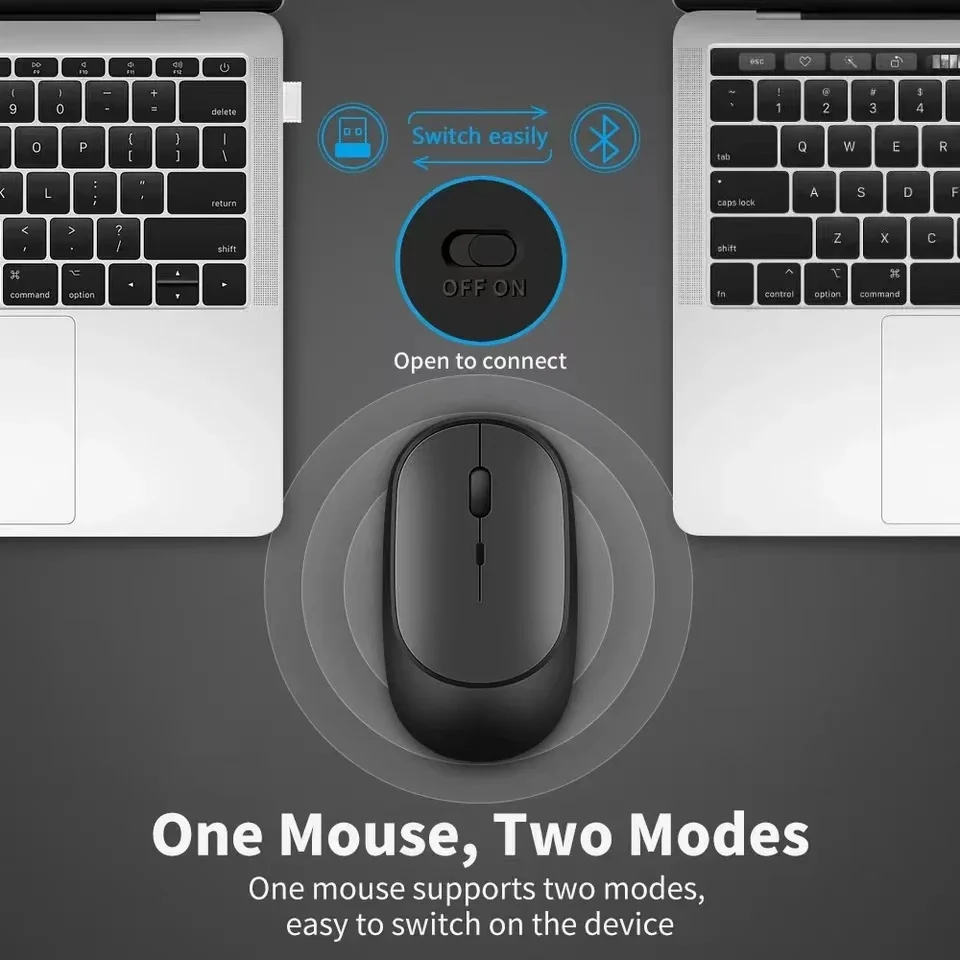
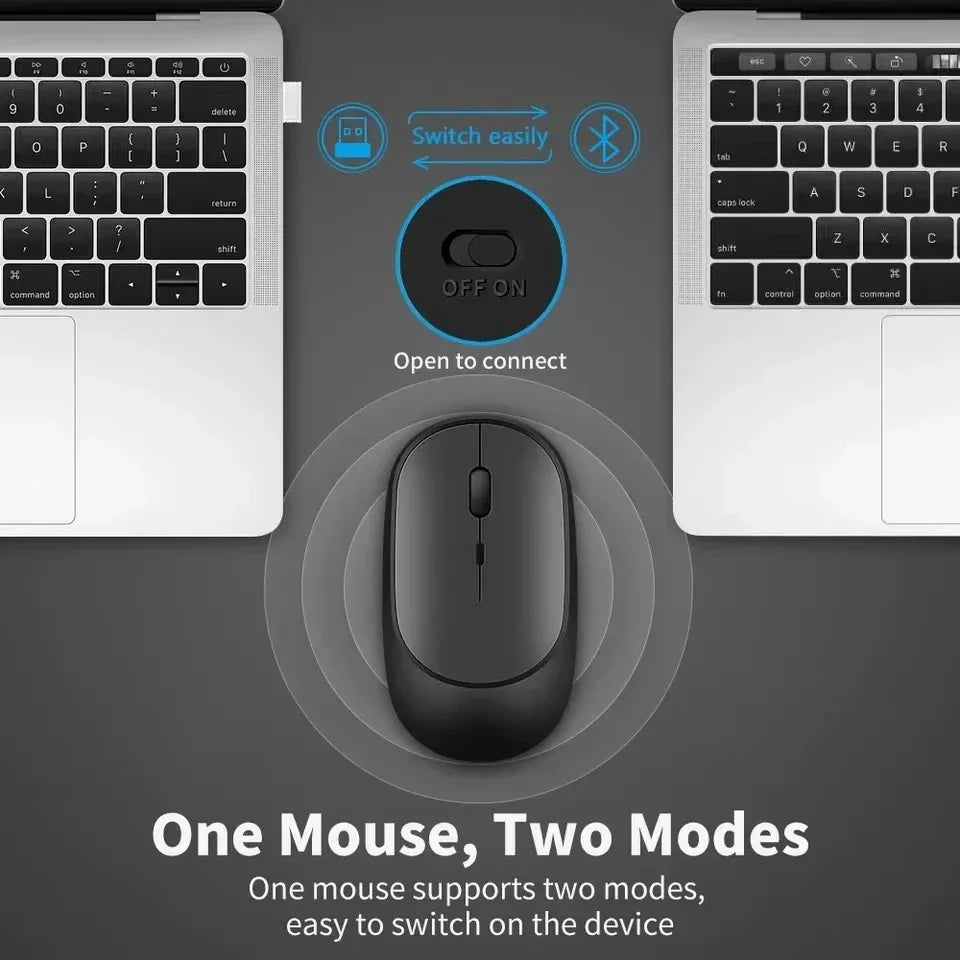
*DUAL MODE BLUETOOTH-compatible MOUSE
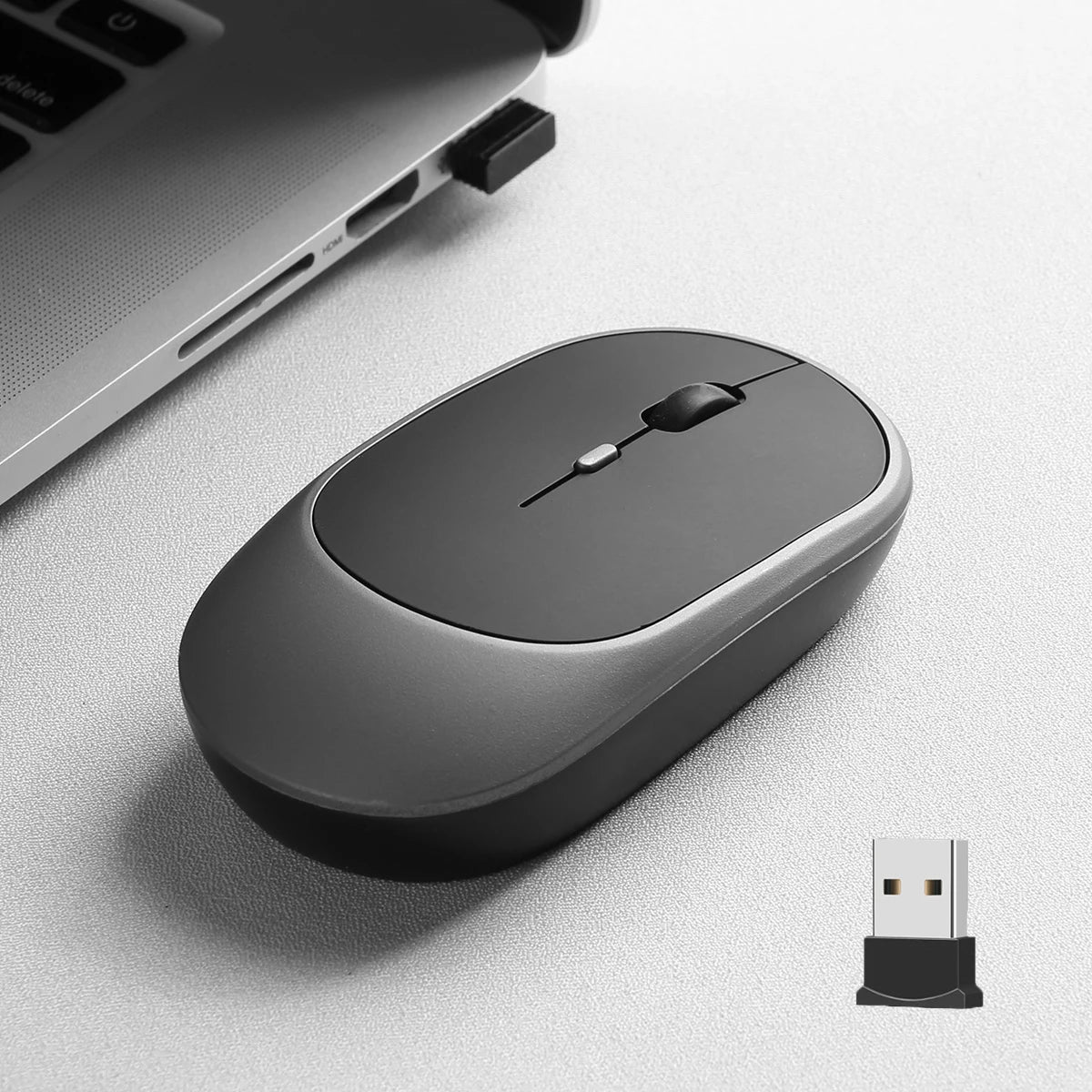
Mode A: Insert the USB receiver into the USB port and switch the mouse switch to 2.4G.
Mode B: Switch the mouse switch to Bluetooth-compatible, press the pairing button for 2-3 seconds, the computer Bluetooth-compatible will find the mouse and pair it.
*3 Kind Of DPI Adjustable
800/1200/1600 DPI resolutions (Default 1600). Easily adjust DPI button to instantly match mouse speed to different working scenarios with DPI button on the top of the wireless mouse.
*Widely Compatibility
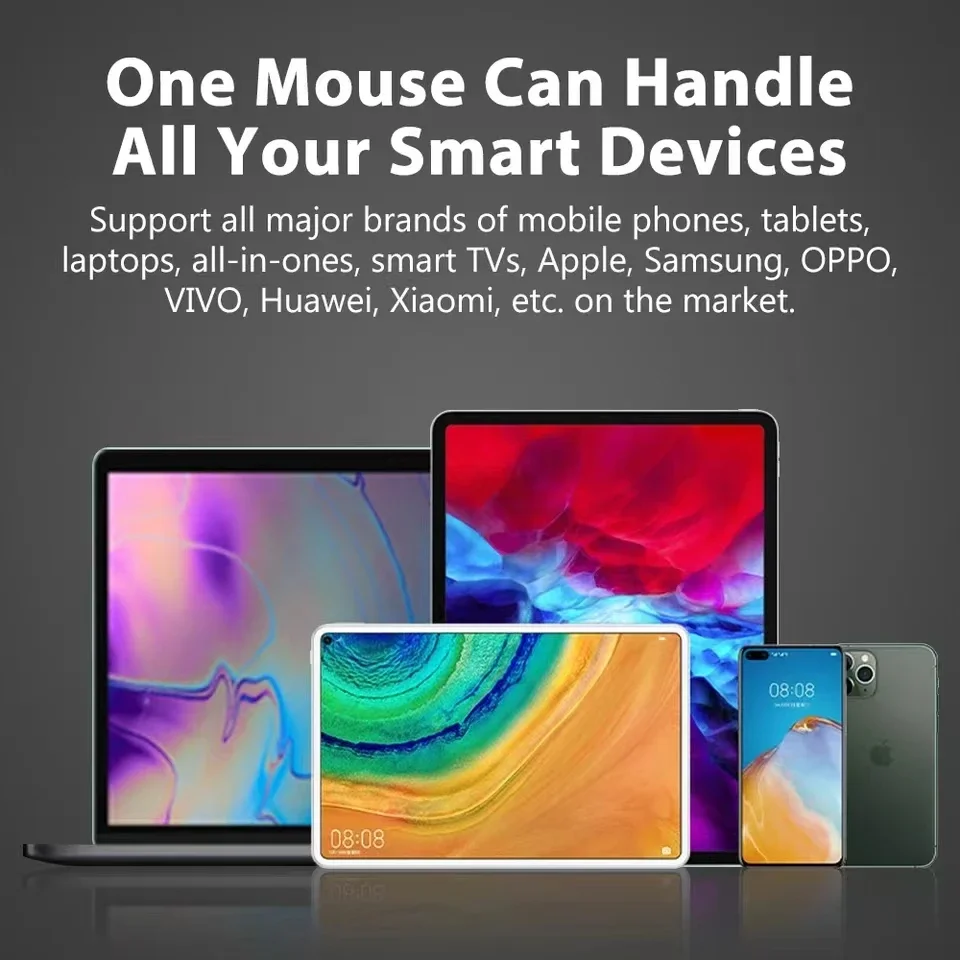
The mouse is well compatible with Macbook, PC, iPad, computer and mobile phone. 2.4G can be used with laptops and any devices with USB ports.
Note:
*The USB receiver is stored in the battery box of the mouse.
*If your computer has a Type-C port, you may need to use a Type-C adapter to connect the mouse to your device.